Last updated: 8 September 2026. This guide reflects VFS Global and Brazilian consular procedures current as of this date.
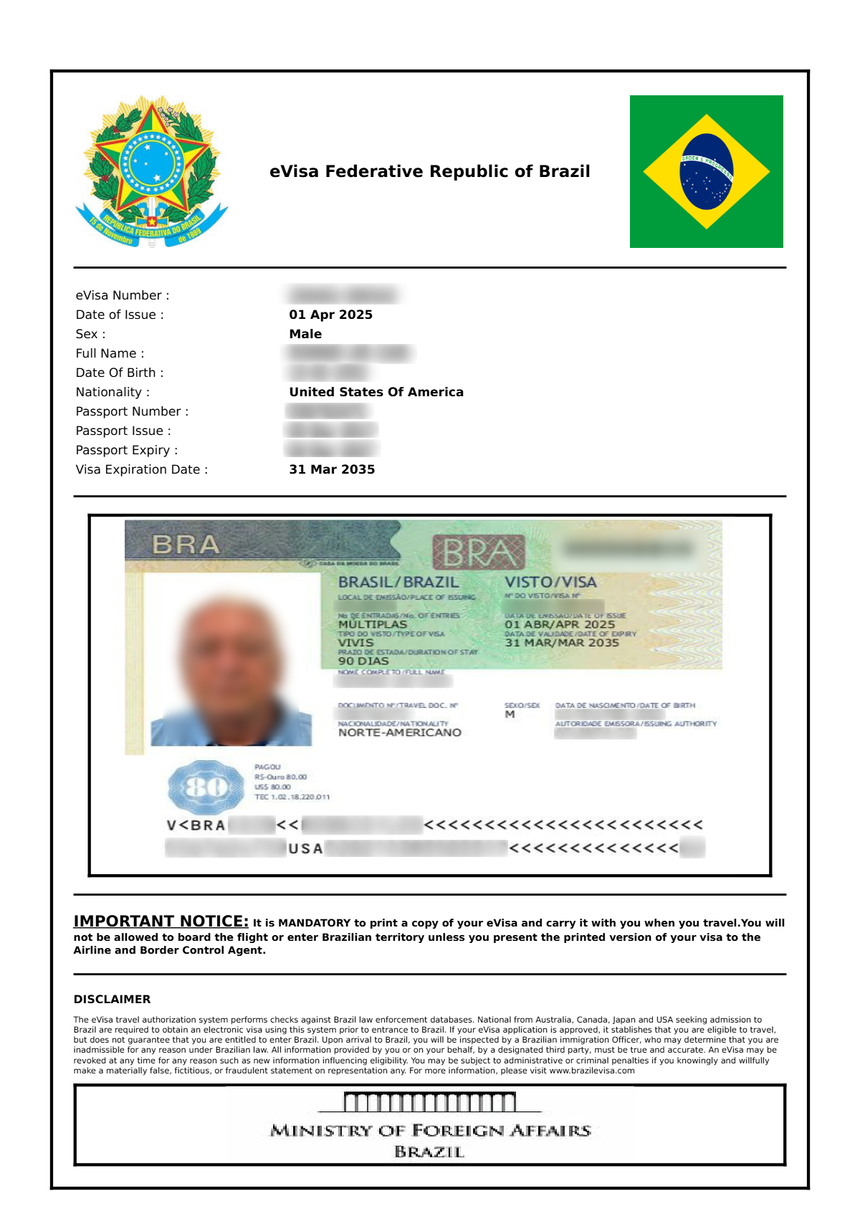
To download and print your Brazil eVisa PDF, log in to the VFS Global dashboard, click “Download PDF” on your approved application, and print at least two copies on A4 paper in colour. Ensure the barcode and QR code are clearly readable. Keep a digital backup on your phone.
Disclaimer: This article is for informational purposes only and is not a government publication. Always verify current requirements on the Brazilian Ministry of Foreign Affairs website (gov.br) or with VFS Global before travelling.
Email Confirmation – What to Expect After Approval
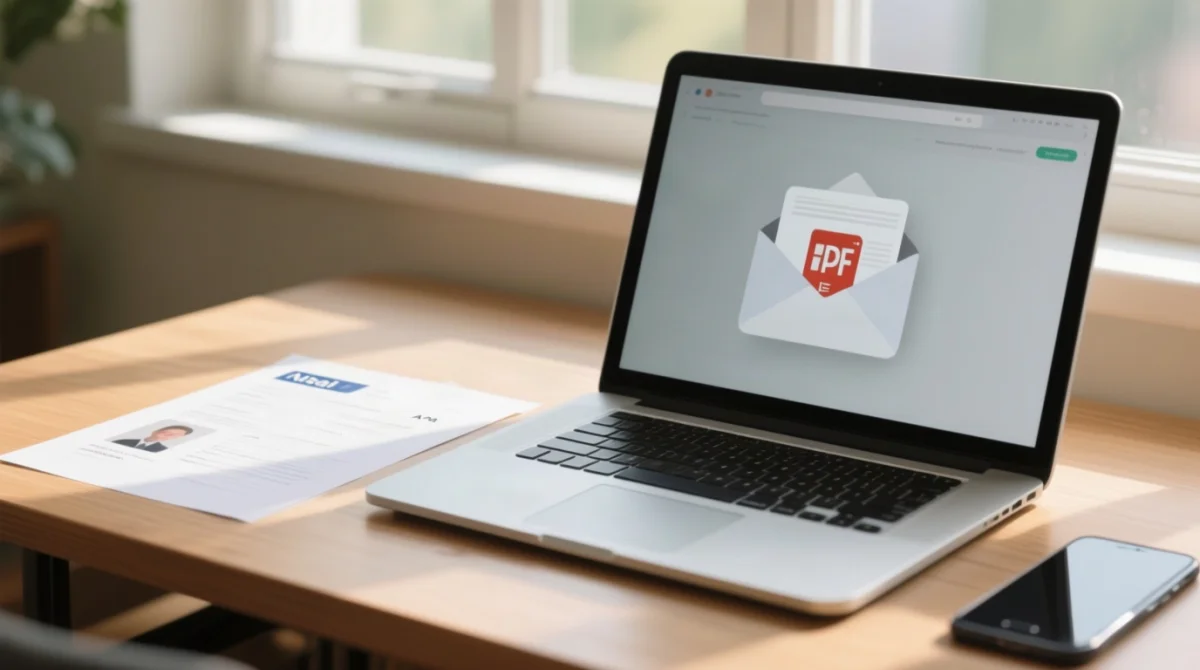
The Brazil eVisa email confirmation arrives within up to 10 business days of submission; always check spam and junk folders before contacting VFS Global support.
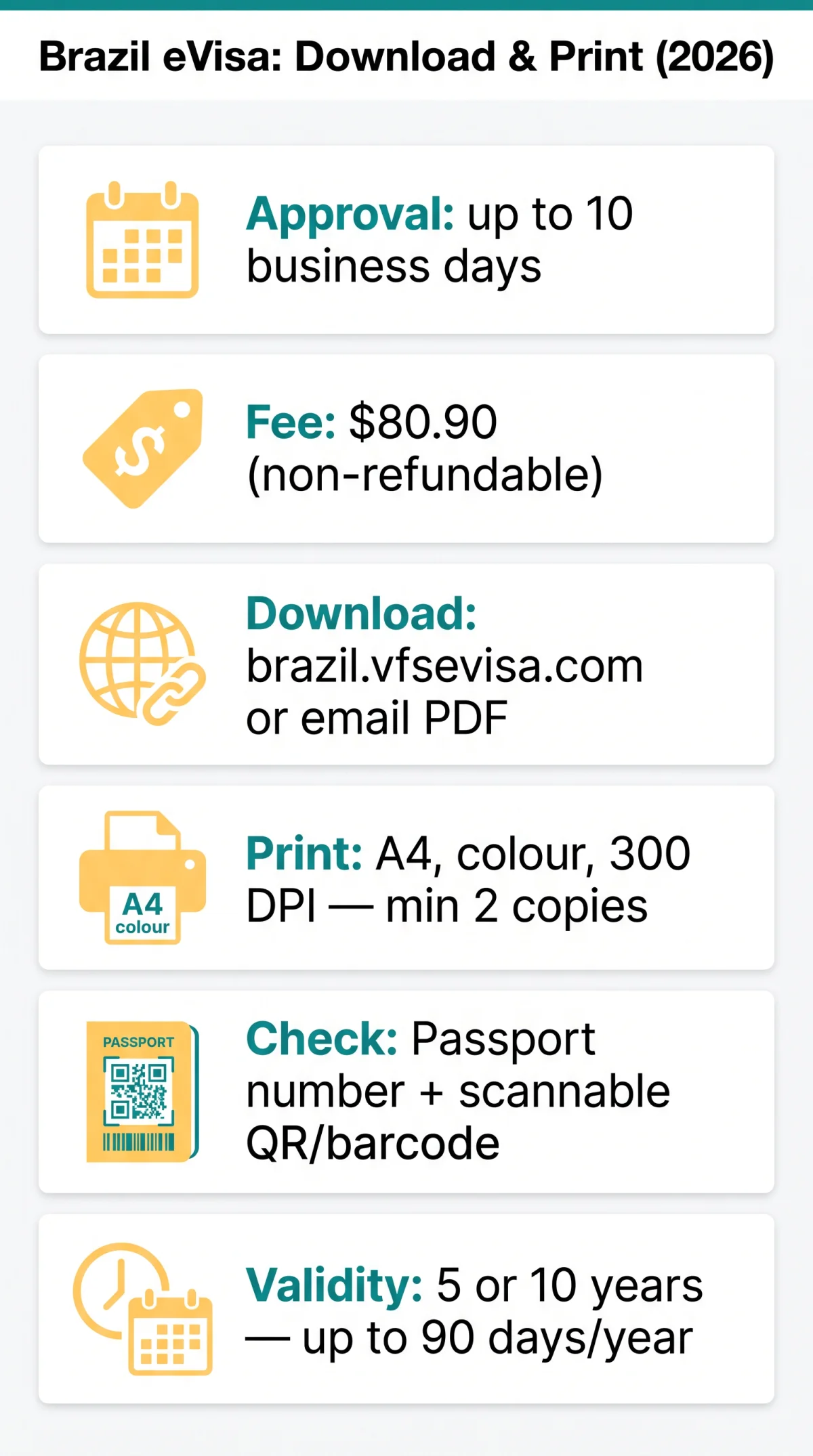
The eVisa requirement for eligible passport holders from Australia, Canada, and the United States was reinstated on 10 April 2025. The approved Brazil eVisa is delivered as a PDF attachment to the email address provided during application. The application fee is $80.90 and is non-refundable even if the visa is denied. Do not purchase airline tickets or make non-refundable travel arrangements before the visa is issued. Consular processing takes up to 10 business days after completion, verification, and submission.
The Brazil eVisa is not stamped in your passport; the printed PDF serves as your proof of authorisation at both UK airport check-in and Brazilian immigration control. This differs from a consular visa, which requires an in-person visit to a consulate and is stamped directly into the passport.
How to Find Your Confirmation Email
- Check your inbox, spam folder, and junk folder for messages from VFS Global.
- Search by sender name “VFS Global” to locate the confirmation quickly.
- Wait at least 48 hours after approval before escalating to support.
Troubleshooting – Email Not Received
- If the email address was entered incorrectly during application, no login link or autogenerated password arrives and the data is not recorded. You must reapply.
- If the email address is correct but no messages appear after 48 hours, contact VFS Global support staff via brazil.vfsevisa.com/contact-us.html.
- The VFS Global feedback service targets a response within 2 business days.
- Case study: A UK traveller entered their email with a typo and never received the confirmation. They had to reapply and pay the $80.90 fee again. Double-check your email before final submission.
How to Download Your Brazil eVisa PDF
To complete your Brazil eVisa download eVisa workflow, retrieve the file from the VFS Global dashboard at brazil.vfsevisa.com or access the PDF attachment from your email confirmation. Verify that the passport number on the Brazil eVisa PDF matches your travel document before printing.
Step-by-Step Download from the VFS Global Dashboard
Log in
Access the VFS Global dashboard at brazil.vfsevisa.com using the latest Chrome, Firefox, or Edge browser.
Find your application
Locate your approved application and look for the “Approved” status.
Download PDF
Click the “Download PDF” button to save the file.
Save the file
Save the file to a known location on your device for easy access when printing.
Downloading from a Smartphone vs Computer
The VFS Global dashboard is accessible from any device with internet access. A free “Brazil E-visa” mobile app (89.3 MB, requires iOS 16.0+ or iPadOS 16.0+) is also available. Printing is generally easier from a computer; if downloading from a phone, email the PDF to yourself for printing from a computer.
Understanding Your PDF File
Check that the passport number, name, and validity dates on the Brazil eVisa PDF match your travel passport exactly. Confirm the file contains a scannable QR code or barcode. The PDF is typically not password-protected; if a password is requested, it is usually your passport number or date of birth. The Brazil eVisa is valid for 5 or 10 years depending on the option selected, with an authorised stay of up to 90 days per year. Extensions are handled by the Federal Police in Brazil.
Printing Requirements for Your Brazil eVisa
Print the Brazil eVisa on A4 paper in colour at sufficient resolution so the barcode and QR code remain clearly scannable at border control.
Print a hard copy on A4 paper in colour at 300 DPI to ensure the barcode and QR code are scannable. A printed PDF copy of the approved Brazil eVisa is required both for boarding and upon arrival in Brazil. At least 2 printed copies are recommended for travel.
In my experience applying for a Brazil eVisa through VFS Global, printing at 300 DPI on A4 paper produced a QR code that scanned perfectly at São Paulo airport. A fellow traveller who printed at 150 DPI had to reprint at a kiosk before clearing immigration. Always test-scan before you leave.
Colour vs Black and White
| Print Type | Acceptability | Key Condition |
|---|---|---|
| Colour | Recommended | Best results for barcode and QR code readability |
| Black and White | Acceptable | Only if barcode and QR code remain clearly readable |
Paper Size and Quality
Use A4 paper (UK standard). US Letter is acceptable only if the full PDF prints without cropping. Use standard office-quality paper of 80 gsm or above. Avoid low-quality thermal prints.
Printing Quality Tips – Barcode/QR Readability
Use at least 300 DPI print resolution. Do not crop the document; ensure the full page prints including borders with codes. Test-scan the QR code with a smartphone before packing.
Lamination and Document Alteration Rules
Do not laminate the printed Brazil eVisa; lamination may prevent immigration authorities from scanning or stamping the document. Use a clear protective plastic sleeve instead. Do not make any alterations, annotations, or handwritten notes on the printed document.
At the Airport – How Your eVisa Will Be Verified
Airlines verify the printed Brazil eVisa PDF at check-in, and Brazilian immigration officers scan the QR code upon arrival; carry it in your hand luggage.
At the airport, airline check-in agents verify your printed eVisa PDF before issuing a boarding pass. Brazilian immigration authorities scan the QR code upon arrival. Always carry printed copies in your hand luggage for immediate access at every checkpoint.
Check-in Procedure
- Present your valid passport and printed Brazil eVisa PDF to the airline check-in agent.
- The agent may verify that the name and passport number on the eVisa match your travel document.
- Have the printed copy ready; do not rely on a phone screenshot at the check-in counter.
Immigration Control
- Brazilian immigration authorities scan the barcode or QR code on your printed Brazil eVisa and verify it against your passport.
- The eVisa is not stamped in your passport; the printed PDF serves as proof of authorisation throughout your stay.
- Carry at least one printed copy in hand luggage for immediate access.
Backup and Recovery Strategies
Store at least two printed copies in separate bags, save a digital copy in cloud storage, and keep the original email with the PDF attachment accessible offline.
Digital Backup Options
- Keep at least 2 printed copies in separate bags during travel.
- Save a screenshot of the Brazil eVisa on your mobile device for quick offline reference.
- Upload the PDF to cloud storage (Google Drive, iCloud, Dropbox).
- Retain the original email containing the eVisa PDF attachment; do not delete it.
- If lost, reprint via the email attachment or the VFS Global dashboard at brazil.vfsevisa.com.
Frequently Asked Questions (FAQ)
How do I download my Brazil eVisa PDF after receiving the email confirmation?
Log in to brazil.vfsevisa.com and click “Download PDF”. The Brazil eVisa also arrives as an email attachment to your registered address.
Can I print my Brazil eVisa in black and white?
Yes, if the barcode and QR code remain readable. A colour printout is recommended for best results.
What paper size should I use to print my Brazil eVisa?
Use A4 paper (UK standard). US Letter is acceptable if the full PDF prints without cropping. Use 80 gsm paper or above.
Do I need a password to open my eVisa PDF?
The PDF is typically not password-protected. If a password is required, check the delivery email instructions. It is usually your passport number or date of birth.
Should I laminate my printed eVisa?
No. Lamination may prevent immigration authorities from scanning or stamping the document. Use a clear protective sleeve instead.
How many copies of my Brazil eVisa should I carry?
At least two printed copies: one in carry-on, one in checked luggage. Save a screenshot on your phone and upload the PDF to cloud storage as backup.
What happens if my Brazil eVisa email doesn’t arrive?
Check spam and junk folders first. If missing after 48 hours, contact VFS Global support at brazil.vfsevisa.com/contact-us.html. If you entered an incorrect email address, you must reapply.
Which passport do I use if I have dual nationality?
Use the passport you will travel with to Brazil. Ensure the passport number on your Brazil eVisa matches the travel document you present at the airport.
My passport expired but my eVisa is still valid. What do I bring?
Bring both your expired passport (with the eVisa linked to it) and your new valid passport, plus the printed eVisa PDF copy. The eVisa remains valid per its original expiry date.
Can I download my Brazil eVisa from my smartphone?
Yes. Access the VFS Global dashboard or email attachment from any device. A free “Brazil E-visa” app is available for iOS 16.0+ and iPadOS 16.0+. Email the PDF to yourself for easier printing from a computer.