Experiencing Brazil e visa application issues? Most technical problems stem from browser incompatibility, incorrect file formats, or payment gateway timeouts on the VFS Global portal. The Brazil e-visa costs $80.90, processes within up to 10 business days, and requires a printed PDF at entry. UK travellers should apply at least 2 months before planned travel. This is an information portal for UK travellers, not the VFS Global site or a Brazilian government website. Requirements verified on 8 September 2026 against brazil.vfsevisa.com.
Before you start your application:
- Verify passport validity (minimum 1 month after arrival date in Brazil)
- Prepare passport scan in PDF format under 500 KB
- Prepare a compliant JPG photo with white background
- Have a payment card with 3D Secure activated
- Use Chrome, Firefox, or Edge on desktop
Login Errors & Account Access Issues
Brazil e-visa login errors typically stem from wrong email entry, expired session cookies, or blocked autofilled passwords. Start with email verification and cache clearing before escalating.
Verify email address
A wrong email means application data is not recorded; reapply with the correct email using the same passport.
Check spam & junk folders
Look for the login link and autogenerated password in spam, junk, and promotions folders.
Clear cache & use incognito
Retry in incognito mode with Chrome, Firefox, or Edge. Disable VPN, proxy, or ad-blocker.
Email VFS Global support
Contact [email protected] with your full name, passport number, and error screenshot.
Can’t Log In? Start Here
Confirm the email address, check all folders (spam/junk/promotions), verify the OTP link has not expired, and attempt a self-service password reset before escalating.
Wrong Email Entered During Application
Brazil e-visa application data cannot be recovered. Reapply using the correct email with the same passport; the $80.90 fee is non-refundable.
Session Timeout & Browser Cache Problems
Session timeouts erase unsaved data. Prevent by accepting cookies and clearing cache before each session; incognito mode is a useful diagnostic test.
Document Upload Failures & Photo Rejection
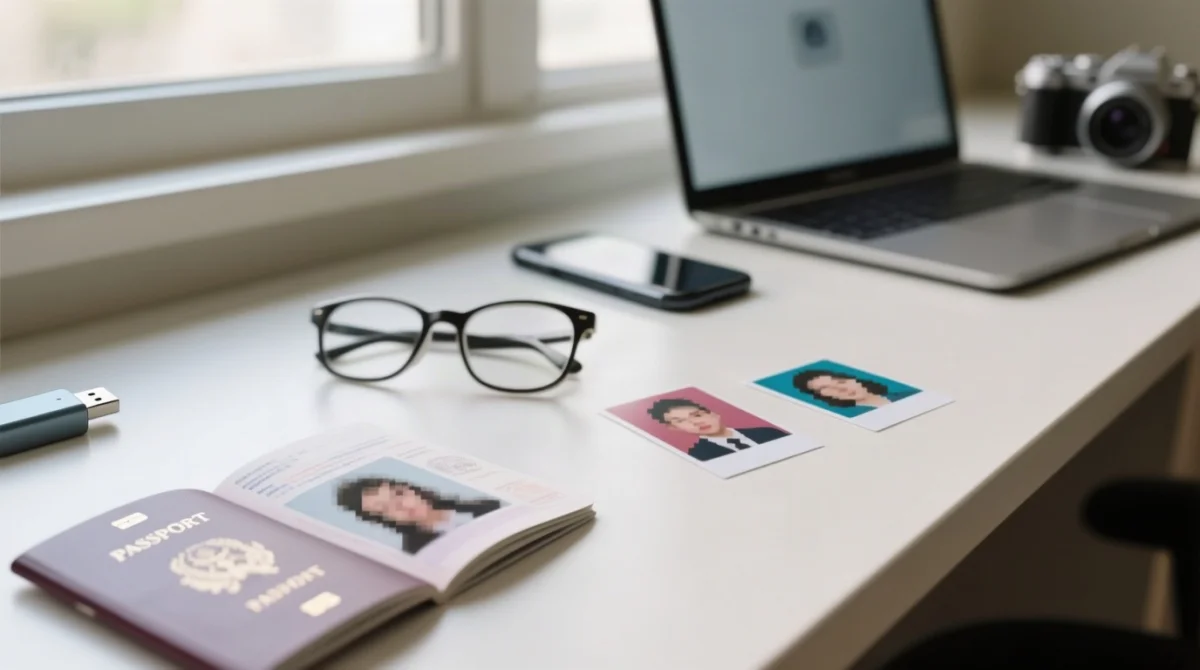
Brazil e-visa upload rejections occur when passport scans exceed 500 KB, use wrong file formats, or photos lack a plain white background with both ears visible.
| Document | Accepted | Rejected |
|---|---|---|
| Passport scan | PDF, under 500 KB, clear colour copy of bio page, no watermarks | JPG/PNG over 500 KB, cropped, watermarked |
| Passport photo | Original JPG/JPEG, white background, neutral expression, both ears visible, no glasses, shoulders in frame | Photo from passport bio page, non-white background, glasses worn |
Passport Scan Upload Errors
Upload the original passport bio page as a PDF under 500 KB; avoid the built-in cropping tool. Brazil e-visa passport scans must be clear, full-colour copies with no watermarks or cropped edges.
Photo Specifications & Rejection Reasons
Brazil e-visa photo must be an original JPG/JPEG with a plain white background, neutral expression, both ears visible, no glasses (unless medically required), and shoulders in frame. Do not use a photo taken from your passport bio page.
File Naming & Mobile Upload Tips
Filenames must contain no special characters, accents, or spaces. Desktop upload via Chrome, Firefox, or Edge is preferred over mobile browsers. Additional documents must be submitted within 15 days; exceeding this limit means the application will not be processed.
Payment Glitches & Checkout Failures
Brazil e-visa payment failures require waiting 24 to 48 hours before retrying to avoid duplicate non-refundable $80.90 charges. Visa and Mastercard are widely accepted; 3D Secure/OTP authentication is required by your bank.
Card declined
Verify sufficient funds, correct card details, and that 3D Secure/OTP authentication is activated by your bank.
Gateway timeout
Never click “back” mid-transaction. Check your bank statement first to confirm no charge posted before retrying.
Pre-authorization hold
Pending charges last 3 to 5 business days. Retrying immediately risks a second non-refundable $80.90 debit.
Try a different card
If payment still fails, try a different card or network, then contact support with your transaction reference number.
Card Declined or Not Accepted
Brazil e-visa payment failures often stem from insufficient funds, incorrect details, or unactivated 3D Secure/OTP. Switch to a different card and confirm authentication is enabled before retrying.
Payment Gateway Timeout & Redirect Errors
Do not navigate back during a transaction error. Note your application reference number and email [email protected] if the charge posted but no confirmation e-mail arrived.
Pending Charges & Duplicate Payment Risk
Pre-authorization holds clear in 3 to 5 business days. Since the $80.90 fee is non-refundable even for duplicates, verify the hold has released before retrying.
How to Contact Brazil E-Visa Support & Escalate Issues
For Brazil e-visa application issues that persist after self-troubleshooting, contact VFS Global at [email protected] (response within 2 business days) or escalate to Itamaraty at [email protected] with your application reference number.
VFS Global Support Channels
Email [email protected] or use brazil.vfsevisa.com/contact-us.html for Brazil e-visa support. VFS Global responds within 2 business days; UK applicants should account for the time-zone difference.
Escalation to Itamaraty
If VFS Global does not respond within 2 business days, escalate to [email protected] with the same details plus a summary of prior correspondence.
What to Include in Every Support Request
- Full name and mobile number
- Passport number and visa category
- Browser details and error screenshot
- Application reference number
Common error messages: “We could not process your payment” (wait 48 hours before retrying) and “Session expired” (clear cookies and restart in incognito mode). If your Brazil e-visa is denied, you can reapply 24 hours later using the same email address.
Brazil E Visa Application Issues: FAQ
How do I reset my password for the Brazil e-visa portal?
Clear cache/cookies, check your email for the autogenerated password and login link, and contact [email protected] if the link never arrives.
Why was my passport scan upload rejected?
Rejections happen when the file exceeds 500 KB, uses JPG/PNG instead of PDF, or is unclear, cropped, or watermarked. Resubmit a clear colour PDF of the bio page under 500 KB.
What payment methods are accepted for the Brazil e-visa fee?
Visa and Mastercard are widely accepted; 3D Secure/OTP authentication is required. The fee is $80.90, non-refundable, and the same for adults, children, and diplomatic passport holders.
My payment was declined. What should I do?
Wait 24 to 48 hours, try a different card, ensure 3D Secure is activated, then contact support with your transaction reference.
How do I contact Brazil e-visa support from the UK?
Email [email protected] (response within 2 business days). For complaints, escalate to [email protected].
What are the photo requirements for the Brazil e-visa?
JPG/JPEG format, plain white background, neutral expression, no glasses, both ears visible, shoulders in frame.
Can I apply on my phone or tablet?
The portal works best on desktop with Chrome, Firefox, or Edge. Mobile Safari may cause upload failures or payment errors.
What if I was charged but got no confirmation e-mail?
Check spam/junk folders. If nothing arrives within 2 business days, contact [email protected] with your bank statement and application reference number.
How long does processing take after fixing issues?
Up to 10 business days once a fully verified application is submitted to the consular post. Track your application status online via the portal dashboard.
Is the $80.90 fee refundable if my payment fails?
No. The $80.90 fee is non-refundable, including for duplicate payments. Wait before retrying to avoid double charges.
Brazil E Visa Application Issues: Quick Fix Summary
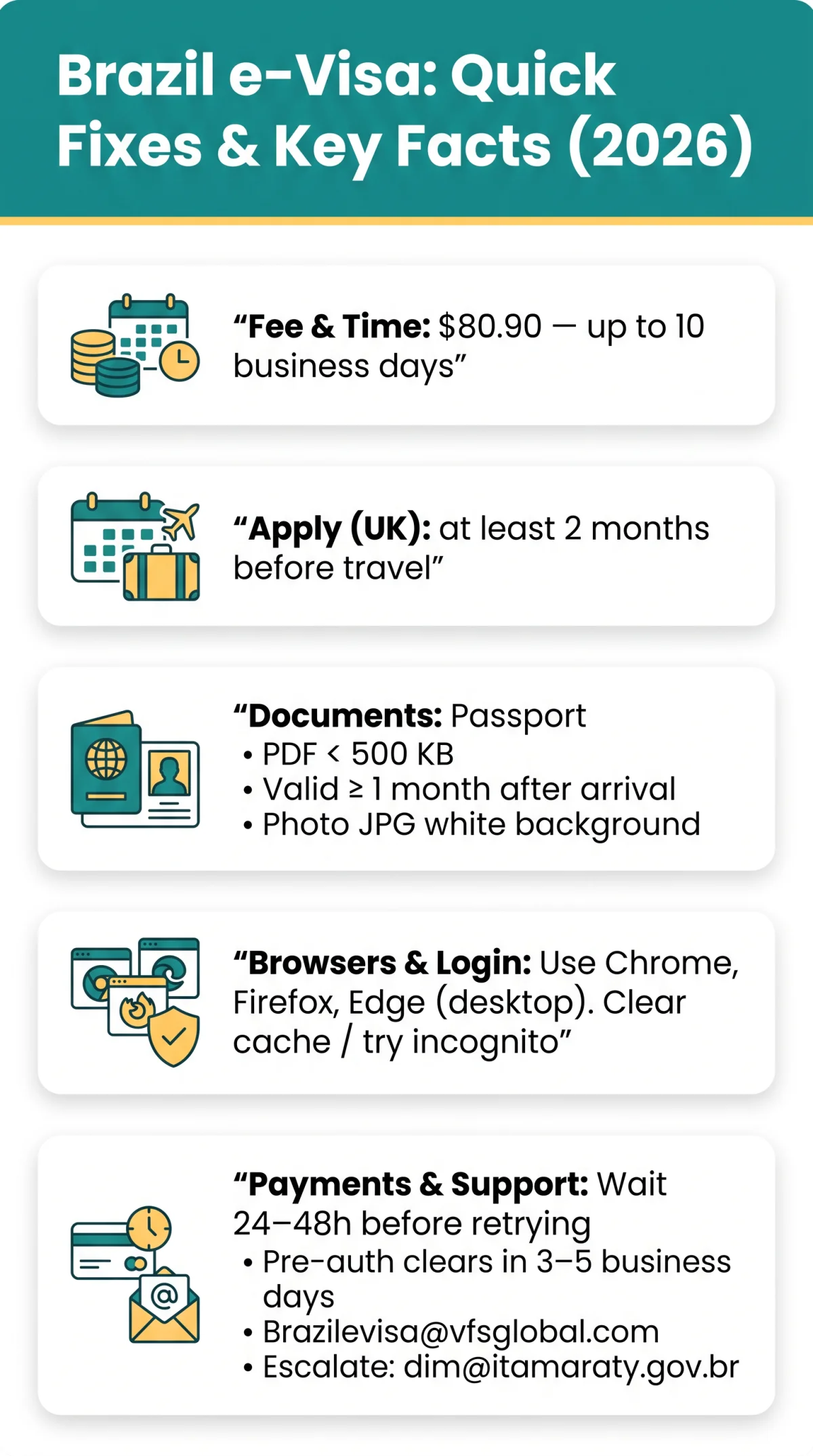
To fix Brazil e visa application issues in 2026, first clear your browser cache and try incognito mode for login errors. For upload failures, ensure your passport scan is a PDF under 500 KB and your photo meets white-background specifications. If payment fails, wait 24 to 48 hours before retrying to avoid duplicate charges, then contact VFS Global support at [email protected] with your application reference number.
Page last reviewed: 8 September 2026. Checked against brazil.vfsevisa.com and itamaraty.gov.br. This is an information portal for UK travellers, not the VFS Global site or a Brazilian government website. Found an error? Contact our editorial team.